The right place
Dedicated assignments for lane tables, pool, darts and restaurant tables.

Megara for bowling · Pool · Darts
Your guests are in the middle of a game. Your service stays close. With Megara, orders from lane tables, the pool lounge or the darts area enter the same POS workflow – taken by your team or placed on a smartphone.
See how it works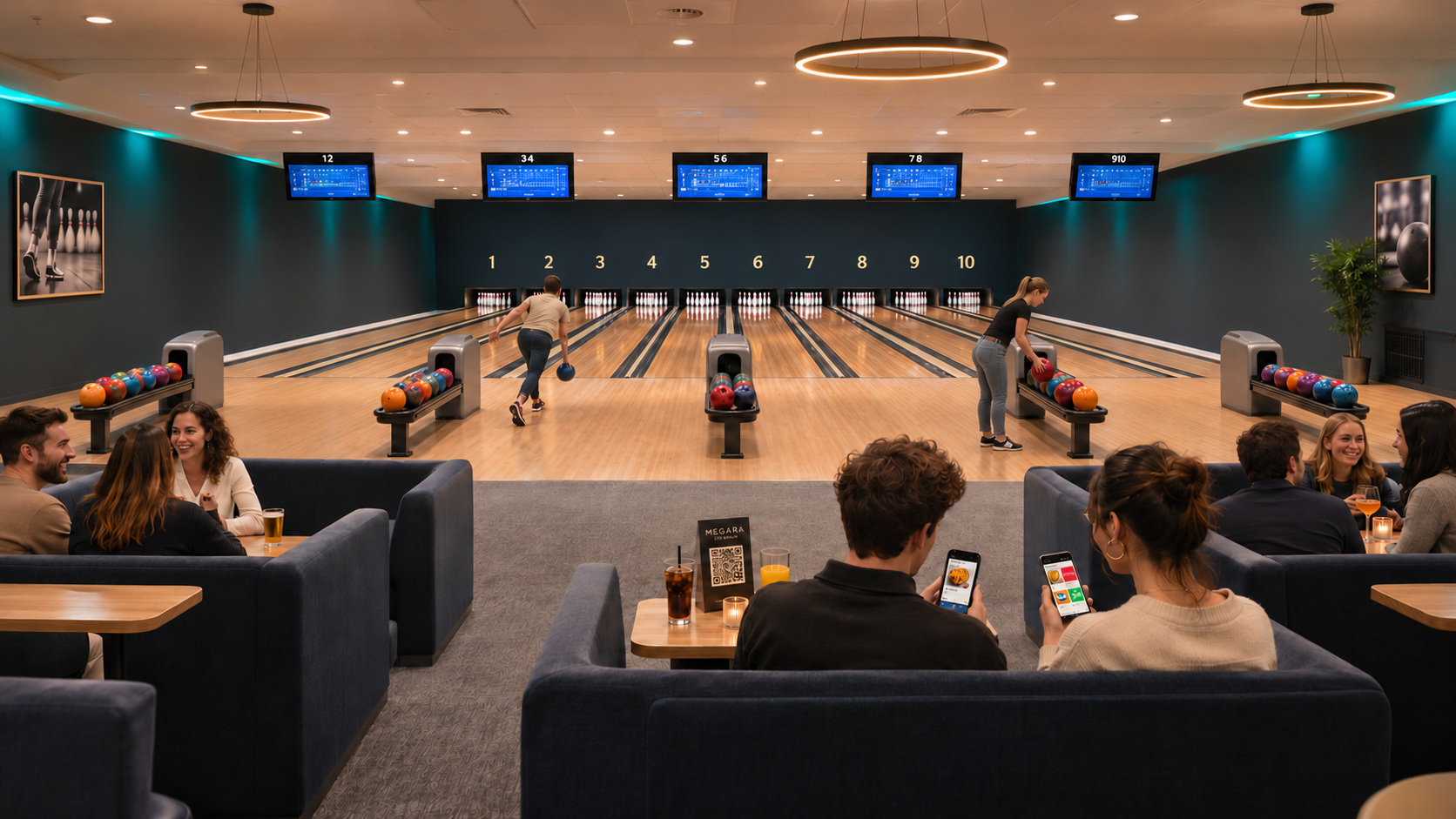
A family outing, an evening with friends or a club gathering: some guests bowl while others play pool or darts. Drinks, snacks and restaurant service are part of the experience. Megara connects these areas through clearly named positions and a shared product range. Your team keeps orders linked to each group, while guests choose the ordering method that suits the moment.
Dedicated assignments for lane tables, pool, darts and restaurant tables.
QR ordering complements personal service between turns.
POS, preparation and checkout work together according to your configuration.
01 · Floor plan and reservations
Your floor plan maps the areas and places in your centre. In the POS app on the iPad, the counter team can see arrivals, times and occupancy directly on the plan. Rooms, tables and seating can be arranged in the editor to match your venue.
 Enlarge image
 Enlarge the original view
Names such as Lane 01, Pool 01 or Darts 01 identify the destination clearly. The restaurant can retain its own set of tables alongside them.
Walls, furniture and routes help people navigate. The plan can be adjusted to match the number of lanes and the layout of your venue.
The reservation module shows arrivals, time slots and occupancy. Assign bookings to the right lane tables, billiards or darts places and check available times on the floor plan or occupancy timeline.
 Enlarge the original view
02 · Smart Order on a smartphone
The QR code at the table opens the mobile ordering page in the browser. Guests do not need to install an additional ordering app. They see your configured menu, choose drinks or snacks and add them to the basket. The code assigns their order to the intended table.
Open the QR code at the lane table, pool table or darts area with a smartphone.
Browse products, open their details and select the quantity.
Review the basket and follow the checkout process configured for your venue.
QR ordering needs a reachable ordering page and an internet connection. Whether guests pay online or the sale is completed at the POS depends on your configuration.


Actual smartphone captures from the Megara demo system. Products and prices are examples; the interface shown is in German.
03 · Drinks and snacks
A clear selection makes ordering easier. A dedicated bowling and darts area can use its own product grid, with drinks, fries and other snacks organised using images and categories. Pool tables can share the same menu if required.
Show the products available to order at the play areas. The restaurant can work with a different selection.
Use suitable product photos and clear names. The original smartphone captures show an example of how the range is presented.
Configured product options can represent sizes, extras and surcharges. The available choices are set up for each product.
04 · Service, bar and kitchen
QR orders complement orders taken by your team. Configured preparation routes determine where drinks and food are prepared. The bar can get the drinks ready while the kitchen handles the snacks.
From the first tap to the bill
The digital kitchen display lets your team see incoming items and manage preparation through to marking them ready. It supports the workflow wherever it is configured.
Existing preparation printers can be included in the agreed workflow. Together, we plan which station receives which products.
Guests who have questions or prefer to order from your team can still do so. QR ordering provides an additional route to the same menu.
05 · Checkout
A round of drinks for everyone, fries for two and a separate counter sale: clear assignment matters. At the POS, sales can be recorded against the right table and bills settled together or separately.
Drinks, food and configured services such as shoe hire can be recorded as products. For playing time, we agree on products, rates and the workflow you need.
Cash, connected card terminals and possible online payments are selected to suit your equipment. The smartphone view follows the configured ordering and payment process.
Automatic control of bowling lanes, scoring or dart machines is not part of the floor plan shown here. We assess any requested integration separately against the existing equipment.
06 · After the last game
Which drinks are ordered most often? How many snacks were sold? Sales reports help you assess your range. With configured stock relationships, stock management and stocktaking, replenishment can also follow a structured process.
Product and category reports provide insight into your range. A suitable area structure helps assign sales to the right part of the venue.
Where stock relationships and consumption quantities are configured, sales feed into stock management. Physical counts help compare recorded and actual quantities.
We start with your areas and workflows. Products, images, QR codes and preparation routes follow, along with a joint test with your team.
Yes. The room shown is an example. Rooms, positions and product grids are configured for your business, whether it is a pool bar, a darts lounge or a venue with several activities.
For the QR ordering shown here, the ordering page opens in the smartphone browser. The page must be reachable and each QR code must be assigned to the correct position.
No. QR ordering complements orders taken by staff. Your team can continue to advise guests and record orders at the POS.
Yes. The twelve lanes shown are not a fixed requirement. Rooms and elements are arranged in the editor and linked to the appropriate POS tables.
Show us your rooms and tell us how orders work today. Together, we will plan the floor plan, QR ordering and the right Megara modules for bowling, pool and darts.